YYoujust now
 😊😊😊😊
😊😊😊😊24 likes
You

Smile & Tap masks every face right away. Tap the ones you want to show: kids' faces stay hidden. It all happens on your phone.Adults visible, kids masked, with a single tap.

Smile & Tap finds the faces on your phone, without uploading anything, and masks them all. Missed a face? “Add” masks it with one tap.
One tap shows a face. The child's face stays hidden.One click shows a face. The child's face stays hidden.
3 more friends to show
Emoji, blur or pixelate: tap to try. 12 emoji included, or your own.Emoji, blur or pixelate: click to try. 12 emoji included, or your own.
The copy goes out without its GPS location, and your original photo stays untouched.
Brunch with friends, a wedding, holidays, a new baby: post your photos on Instagram, Facebook or WhatsApp without exposing kids' faces.

For your storyBrunch with friends

For FacebookThe wedding
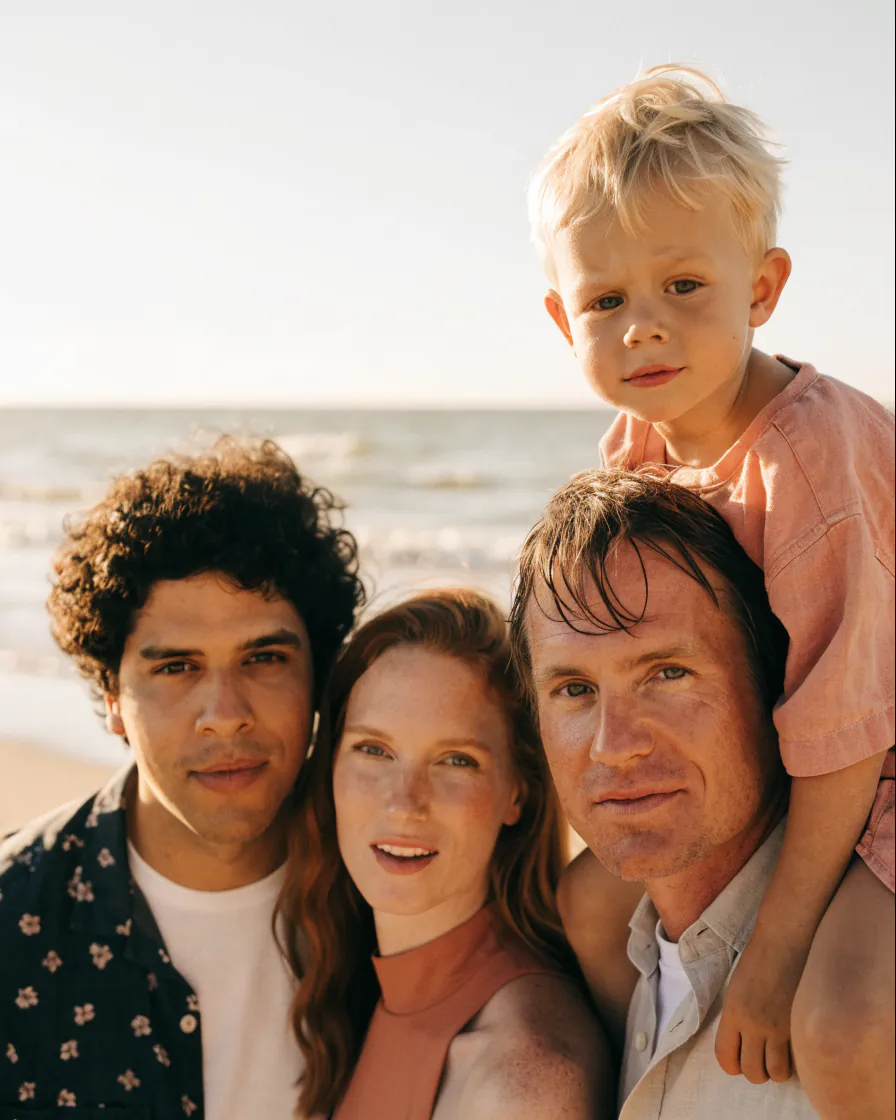
For the friends' group chatThe holidays

To tell everyoneThe new baby
“Hide your child's face (by taking a photo of your child's back, or adding an emoji to his or her face, etc.)”
Smile & Tap asks you nothing and keeps nothing.
 No upload
Everything happens on your phone, even offline.
No upload
Everything happens on your phone, even offline.
 No recognition
The app finds faces without knowing whose they are.
No recognition
The app finds faces without knowing whose they are.
 No account
No server, no trackers, and never any ads.
No account
No server, no trackers, and never any ads.
 No GPS
The copy loses its location; your original stays intact.
No GPS
The copy loses its location; your original stays intact.
Everything you need to know before you download. Another question? Write to contact@yoanncroizer.fr.
Yes. Masking your photos is free and unlimited, with no ads and no account: the twelve emoji, blur and mosaic are all included. A one-time purchase, no subscription, unlocks creating your own masks beyond the first one, and supports development.
Yes, it's the most common use. Every face is masked by default: tap the adults' faces to show them, and your child's face stays hidden. You choose the mask: an emoji, blur or mosaic.
No. Face detection and rendering happen entirely on your iPhonephone, even offline. No photo is ever sent to the Internet: only the masked copy leaves, when you choose to share it.
No. It finds where faces are, without trying to know whose they are: you choose, with one tap, which ones to show. No facial recognition: no face print is created, stored or sent.
Add a mask with one tap, then move or resize it. A face in profile, very small or half hidden can escape detection: always take a quick look before sharing.
No. Smile & Tap always creates a new protected image. Your original photo stays untouched in your library.
No. By default, the GPS location is removed from the copy you share. You can change this setting in the app.
Place the widget on your home screen: one tap opens your latest photo, faces already masked. The Control Center control and the triple tap on the back do the same. Nothing is required: you can also open the app and pick a photo.
Share a photo to Smile & Tap from your gallery, with no setup, or place the widget on your home screen: one tap opens your latest photo, faces already masked. You can also open the app and pick a photo.
On iPhone with iOS 18 or later, and on Android 8 or later. Both versions do the same thing; only the shortcuts differ.
Free, really
Free and unlimited, with no ads and no account. An optional one-time purchase unlocks your custom masks beyond the first one.



On a computer? Scan this code with your phone: it opens the right store.
iOS 18 or later · Android 8 or later
On Android? On iPhone?
Get Smile & Tap on your phone
Scan this code with your phone's camera: it opens the right store.